

Connect a client
The gateway exposes an OpenAI-compatible API, so any OpenAI-compatible client or SDK works with two settings: the base URL and your API key.
Prerequisites
- You're signed in to the console (Get access).
- You have an API key (Manage API keys).
Your endpoint
| Setting | Value |
|---|---|
| Base URL | https://api.<your-domain>/v1 |
| Auth | Authorization: Bearer <your-api-key> |
| Model | a logical model your group is allowed, e.g. coding-default or bulk (see Models & routing) |
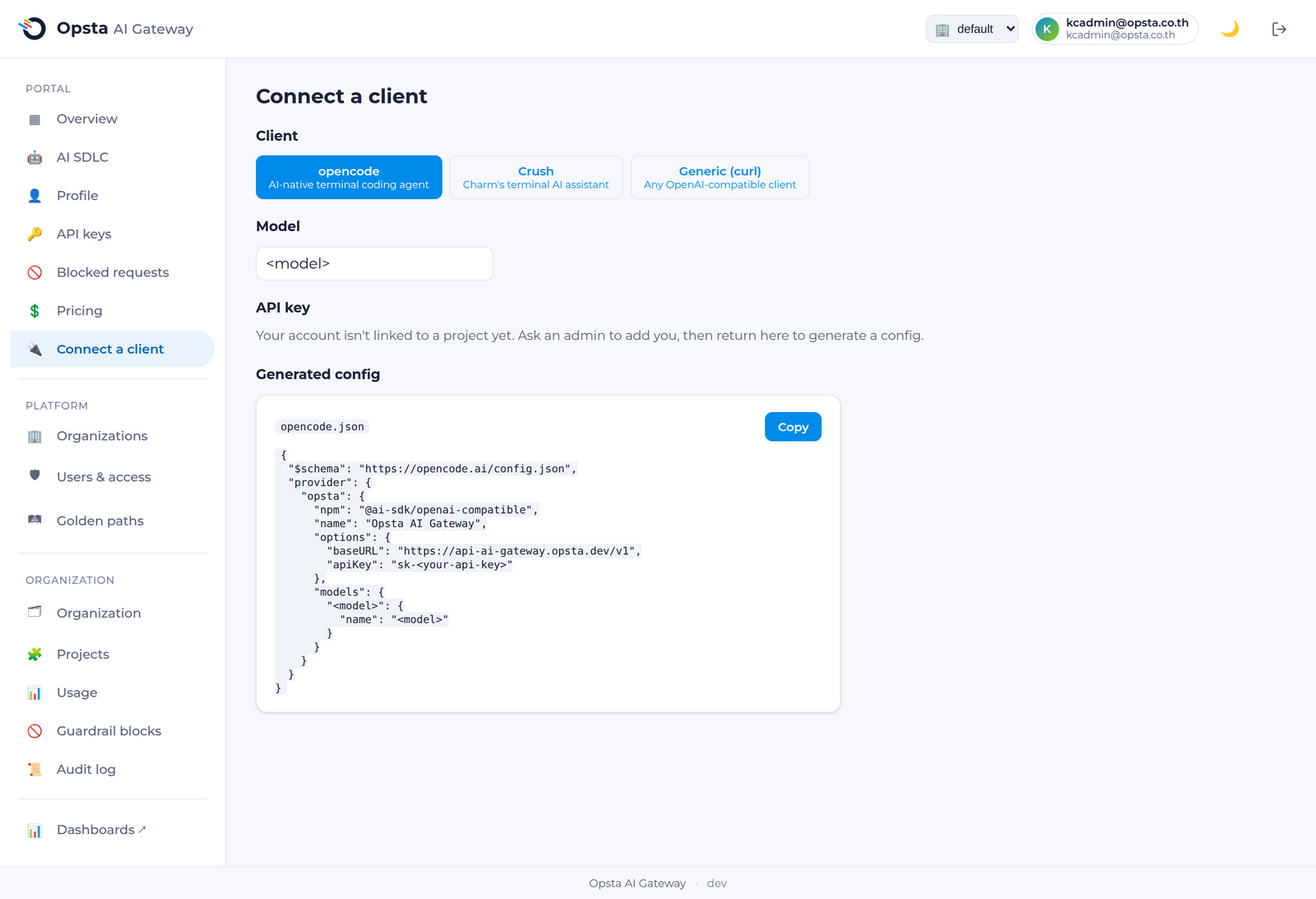
The console's Connect a client page shows your exact base URL, your allowed models, and copy-paste snippets.
curl
bash
curl https://api.<your-domain>/v1/chat/completions \
  -H "Authorization: Bearer $OPSTA_API_KEY" \
  -H "Content-Type: application/json" \
  -d '{
    "model": "coding-default",
    "messages": [{"role": "user", "content": "Hello"}]
  }'
OpenAI SDK (Python)
python
from openai import OpenAI

client = OpenAI(
    base_url="https://api.<your-domain>/v1",
    api_key="<your-api-key>",
)
resp = client.chat.completions.create(
    model="coding-default",
    messages=[{"role": "user", "content": "Hello"}],
)
print(resp.choices[0].message.content)
opencode / Crush
Point the tool at the gateway as an OpenAI-compatible provider — set the base URL to https://api.<your-domain>/v1, the API key to your issued key, and the model to one of your allowed logical models. The Connect a client page generates the exact config block for your tool.
Next steps
- Models & routing — which models you can use and how routing works.
- Use MCP servers — connect AI agents to governed tools.
- Usage & budget — track your spend.