

Get access
This page is for developers who want to use the gateway. It covers signing in, what your account gives you, and where to go next.
Sign in
Open the web console at https://console.<your-domain> and sign in with your corporate single sign-on (Google Workspace, Microsoft Entra, or your organization's identity provider). There is no separate password to manage — your identity comes from your company login.
On first sign-in you are placed into the right organization and group automatically, based on your identity-provider groups. No per-user setup is required.
Prerequisite
Your administrator must have invited your email to an organization (or configured your identity provider to provision members on first login). If you see an "account isn't linked" message, contact your org admin — see Organizations & members.
What your account gives you
Once signed in, the Overview is your dashboard. From the portal you can:
- See your usage and budget — tokens used and USD spent vs. your remaining budget, per model. See Usage & budget.
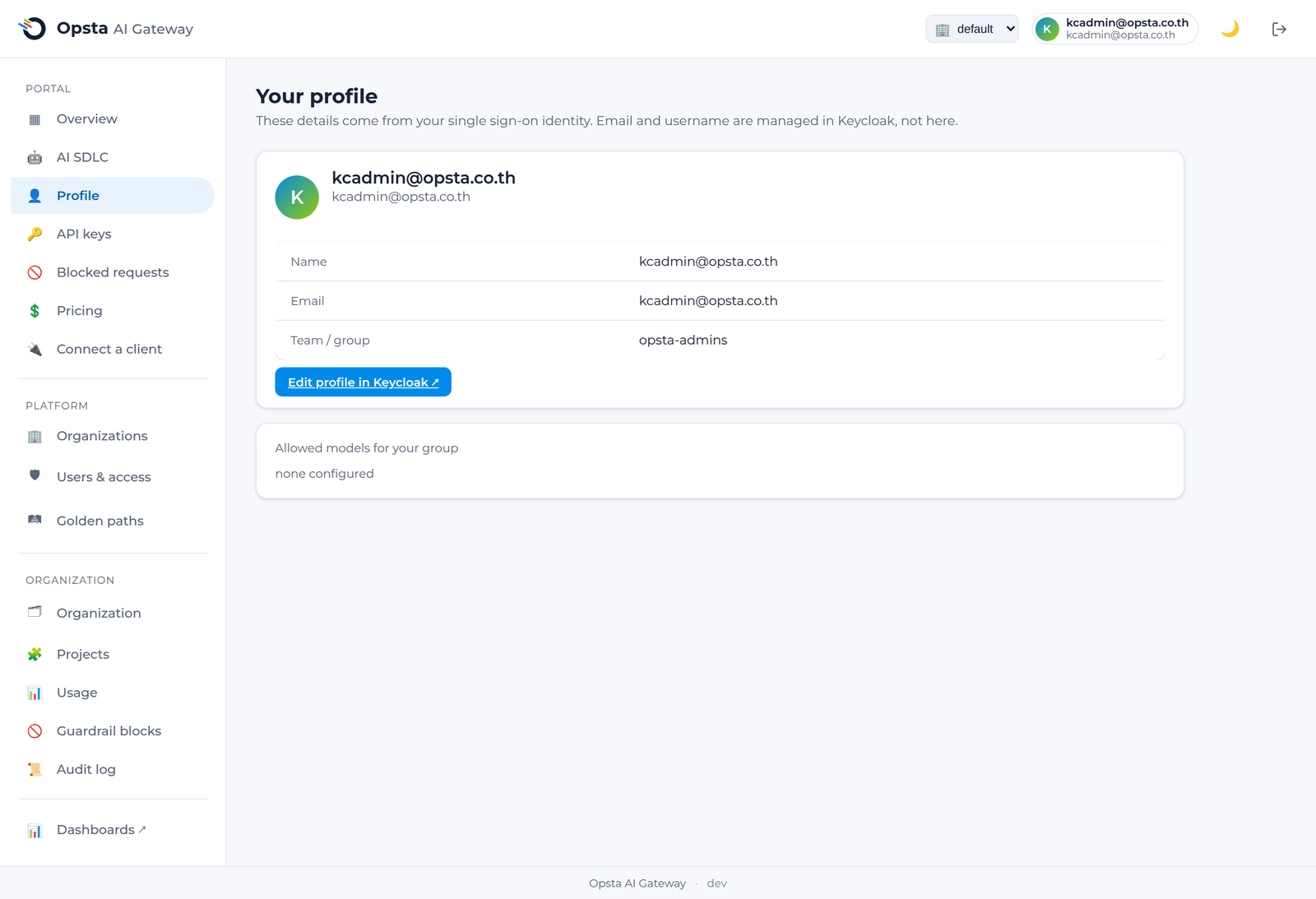
- View your profile — your name, email, team/group, and the models your group is allowed to use.
- Issue and manage your own API keys.
- Get the exact config to connect a client (opencode, Crush, or any OpenAI-compatible SDK).
- Review your blocked requests if a guardrail rejected something.
Your prompts may be logged
An organization admin can enable prompt logging for a project, which records the prompts and model output of its requests for audit and debugging. It's off by default and access is limited to admins (and your own records); ask your admin about their policy if you handle sensitive data.
Next steps
- Connect a client — start sending requests.
- Manage API keys — issue your first key.