

Use MCP servers
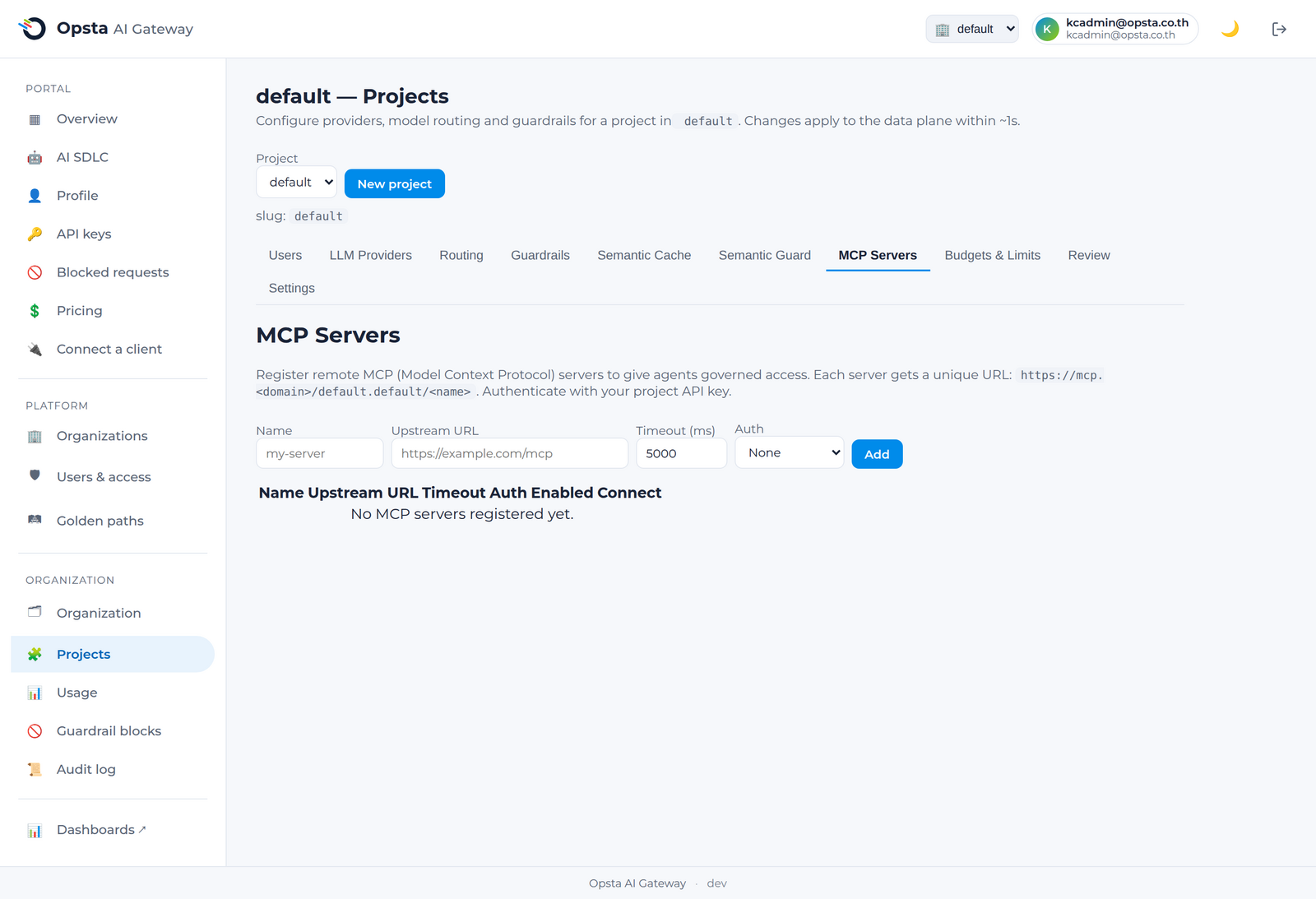
The gateway can give your AI agents governed access to tools through the Model Context Protocol (MCP). Your administrator registers approved MCP servers for your project; you connect to them through the gateway using the same project API key you use for chat. A server may front a real MCP backend or be generated from a REST API (OpenAPI) — either way you connect and call its tools exactly the same.
Prerequisites
- Your administrator has registered one or more MCP servers for your project — see MCP servers (admin).
- You have a project API key (Manage API keys).
Connect to a governed MCP server
Each registered server is reachable at a per-project URL:
https://mcp.<your-domain>/<organization>.<project>/<server-name>Point your MCP-capable agent or IDE at that URL and authenticate with your project API key — the same key you use for the chat API. Each server is registered with a transport (Streamable HTTP or SSE); use the one your administrator chose for that server. The gateway authenticates the connection, proxies your tools/list and tools/call to the backend server, enforces that you can only reach your own project's servers, and records the activity.
One key for chat and tools
You don't manage a separate credential for tools. Your project API key works for both the LLM chat API and your project's MCP servers.
What's governed
- Authentication — every connection is authenticated with your project key.
- Isolation — a key from another project cannot reach your project's MCP servers (you'll get
403). - Visibility — tool-call activity is recorded for your organization.
Next steps
- Connect a client — the chat API.
- Administrators register servers in MCP servers.