

Pricing
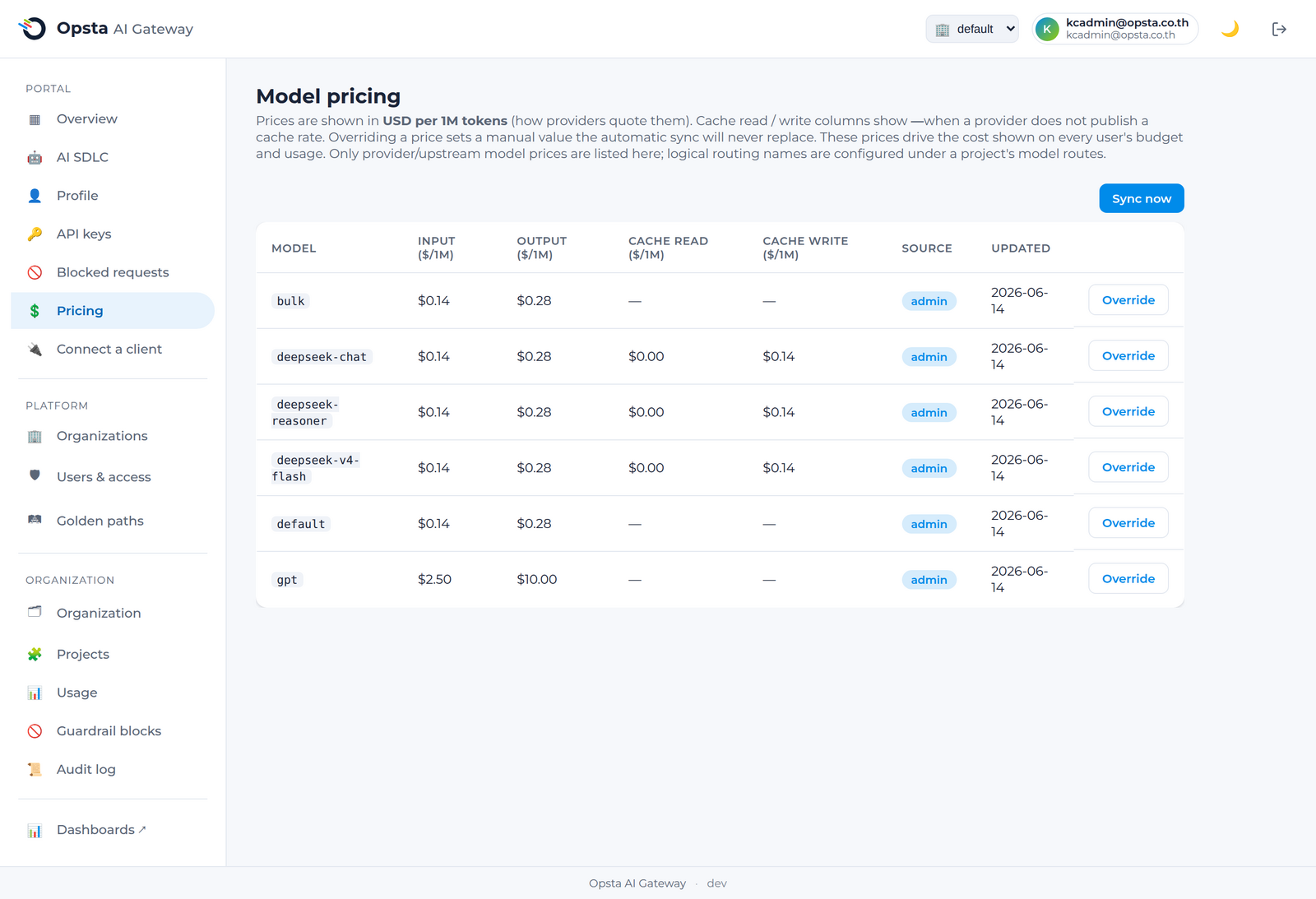
Model pricing is the per-token cost basis the gateway uses to calculate every budget and usage figure. Platform admins maintain it centrally so all spend numbers are consistent.
Who can do this
Platform admins edit pricing on the Pricing screen (Platform section). Other roles see it read-only.
What pricing controls
Every USD figure — budgets, remaining balance, per-model cost breakdowns — is derived from these rates. They include input, output, and (where the provider supports it) cache-read and cache-write rates, so cache-aware costs are accurate.
Override a price
- Open Pricing.
- Find the model — by its logical routing name or the provider's real model ID.
- Enter the rate(s). A manual entry overrides any auto-synced value.
- Save. New requests are costed at the updated rate immediately — no redeploy.
Logical vs upstream names
Pricing can key on a logical routing name (configured per project) or a provider's real model ID. Match what your providers return so cache-aware tiered pricing applies correctly.
Next steps
Budgets & limits — budgets are enforced against these prices.