

Secrets backend
The platform keeps its own sensitive material — provider API keys, database credentials, TLS material — in a self-hosted secrets manager rather than in plain Kubernetes manifests. Those secrets are stored encrypted and synced to the workloads that need them automatically, so a key lives in exactly one place and is never committed to git.
The secrets manager is OpenBao — the open-source (MPL-2.0) successor to Vault — with a web UI at https://vault.<your-domain> and native single sign-on.
Who can see this
Sign-in is by Keycloak SSO (OIDC), restricted to members of the vault-admins group — the same identity you use for the console. A local break-glass admin is retained for recovery if identity is unavailable.
Sign in
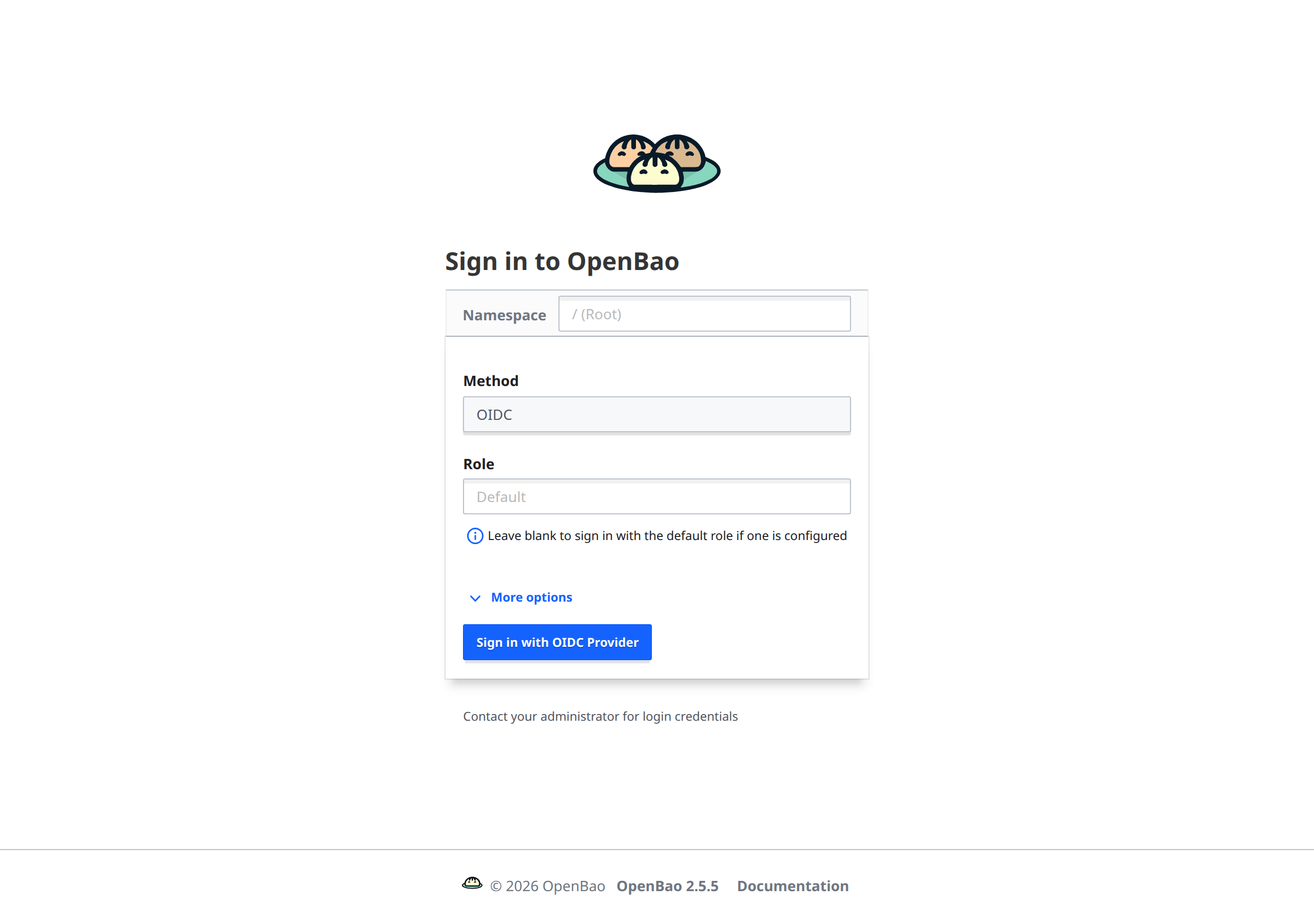
Open https://vault.<your-domain> and choose the OIDC method — "Sign in with OIDC Provider" hands you to Keycloak and back. An HTTP request redirects to HTTPS automatically. Only vault-admins members are granted the admin policy; everyone else is denied.
What you can do
- Inspect secrets. Browse the secret engines and paths the platform uses (provider keys, datastore credentials, service tokens) and their policies.
- Understand the flow. OpenBao is the source of truth; External Secrets reads from it and projects Kubernetes Secrets into each workload's namespace. You manage the secret once, here, and the platform reconciles the rest — you rarely edit workloads directly.
Open-source and redistributable
OpenBao is MPL-2.0 licensed — permissively open source, so it ships with the product and installs air-gapped with no proprietary-license constraint. It is a drop-in replacement for the (now source-available) Vault it succeeds.
Next steps
- SSO & IdP brokering — the Keycloak identity that gates this UI.
- Object store — the other self-hosted platform service.
- Data sovereignty — why secrets and data stay in your cluster.