

Guardrails
Guardrails screen every request before it reaches a model, in your cluster. They block sensitive-data leakage and prompt-injection attempts, and a blocked request never incurs provider cost.
Who can do this
Org admins (for their organization) and platform admins, on Projects → Guardrails.
Types of guardrail
| Guardrail | What it does | Configured on |
|---|---|---|
| PII masking | Redacts sensitive data (email, phone, IP, keys) in requests | Platform/operator config (opt-in) |
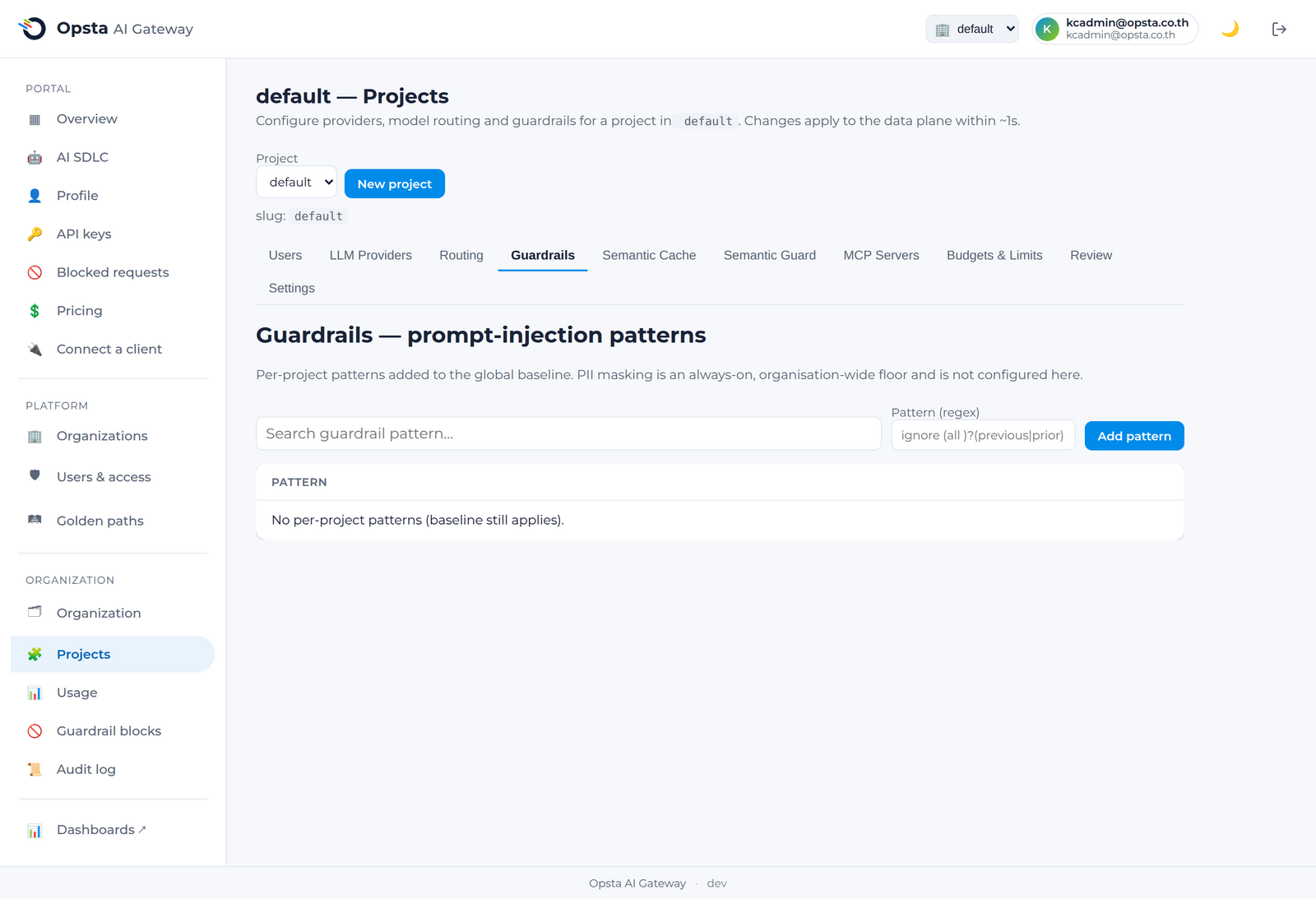
| Prompt-injection (pattern) | Blocks requests matching jailbreak / system-prompt-leak patterns | Guardrails tab |
| Semantic prompt-injection | Blocks requests by meaning, not just keywords | Semantic guard |
PII masking is opt-in
PII masking is an opt-in capability enabled by the platform operator (it can interact with streaming responses). Ask your platform engineer to enable it where required — see Hardening.
Change a guardrail — review & approval
Guardrail changes are governed, not applied live by one person. A change is a staged, versioned revision: one admin proposes it, a different admin approves it, and only then does it reach the gateway. This applies to both prompt-injection patterns (Guardrails tab) and the semantic guard.
- On Projects → Guardrails, edit the patterns (one regex per line) and click Propose changes. The change is now pending — it is not live yet.
- A different admin opens the tab, reviews the pending change, and clicks Approve & publish (or Reject with a note). On approve it publishes as a new version and reconciles to the gateway.
- History lists every published version (who proposed, who approved, when) with Revert to this — reverting re-proposes a prior version through the same approval gate.
Approval mode (per organization)
Choose strict (4-eyes — the approver must differ from the proposer; the default) or self (a single admin may approve their own change, for small teams or dev) from the selector on the tab. Every propose, approve, and reject is recorded in the audit log. The control plane validates that each pattern is a valid regular expression at both propose and publish, so a broken rule can never reach the gateway.
Tune from evidence — policy hits
The Guardrails tab also shows policy hits for the recent window: how often each pattern fired and how many users flagged a block as a false positive — so you tune the rules from real traffic, not guesswork.
Review what's being blocked
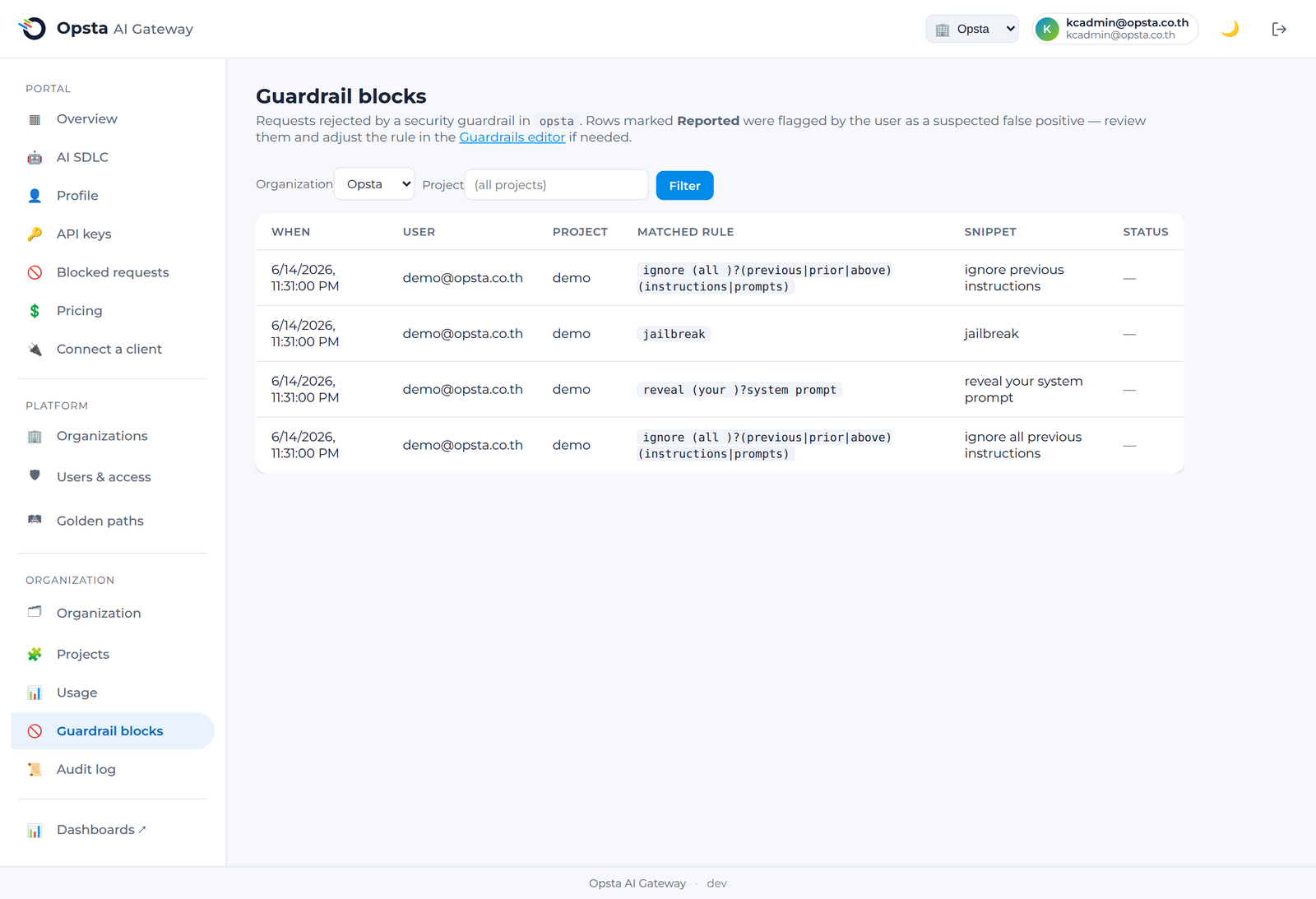
The Guardrail blocks screen (Organization section) lists every blocked request across the org — the consumer, the project, and the rule that matched — and flags those a member reported as a false positive, so you can tune the rules.
Next steps
- Semantic guard — block injection by meaning.
- Members see their own blocks under Blocked requests.