

Projects
A project is the unit that owns a routing configuration, providers, guardrails, budgets, and API keys. An organization has many projects — for example, one per product, team, or environment.
Who can do this
Org admins (for their organization) and platform admins.
Create and manage a project
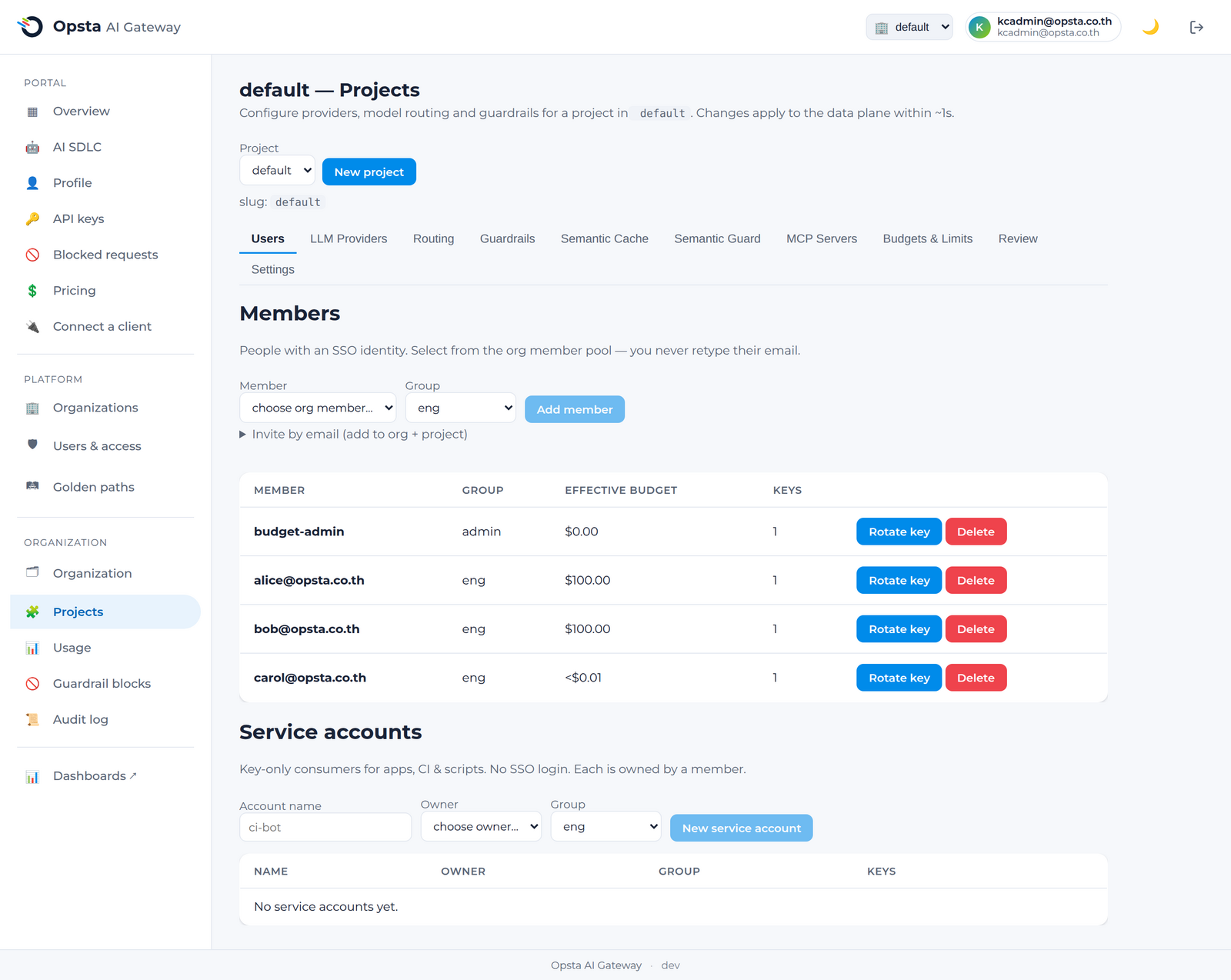
On Projects, use the project dropdown to switch projects or create a new one. Each project is edited through a tabbed configuration editor:
| Tab | What you configure | Guide |
|---|---|---|
| Users | Per-project consumers (team access) and their keys | below |
| LLM Providers | Provider credentials and connections | Providers |
| Routing | Logical model → provider → upstream model | Routing |
| Guardrails | PII + prompt-injection rules | Guardrails |
| Semantic Cache | Vector-similarity caching | Semantic cache |
| Semantic Guard | Embedding-based injection blocking | Semantic guard |
| MCP Servers | Governed remote MCP servers | MCP servers |
| Budgets & Limits | Per-consumer / per-group caps | Budgets & limits |
| Review | Read-only view of the effective merged config | below |
| Settings | Rename, describe, or delete the project | below |
Review the effective configuration
The Review tab shows the effective configuration the gateway actually enforces — merged routes, guardrails, and limits — so you can confirm what's live before clients depend on it.
Settings
The Settings tab renames or describes a project, or deletes it.
Deleting a project
Deleting a project removes its configuration and keys. Existing client keys for that project stop working.